 |
|
|
|
The Definitive Betamax Web Resource
|
||
|
|
|
|
The Definitive Betamax Web Resource
|
||
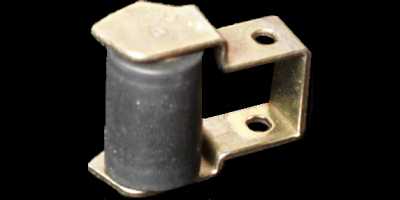
For reliable operation the Pinch Roller must be clean and free from oxide build up.
See also the sub-assembly symptoms.
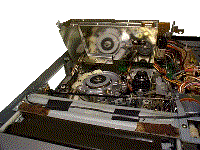 If the pinch roller is suspected then it is best to first try and clean
it to see if operation is improved. This job can easily be done yourself.
If the pinch roller is suspected then it is best to first try and clean
it to see if operation is improved. This job can easily be done yourself.
First remove the lid of the video and locate the pinch roller. On the SL-C9 it is necessary to remove the metal head pre-amp can covering the mechanics. This is done simply by removing about three screws and then hinging the can backwards.
It is best to clean the pinch roller by first removing it. If you do not feel up to doing this then it can usually be cleaned fairly well by using alcohol and cotton wool buds directly.
Before removing the pinch roller, first note the
position of the spring holding it in place. Now carefully remove the
'C'-clip from on top of the roller. It is best to do this with your fingers
if possible as it has a habit of firing out of the machine when a screwdriver
is used.
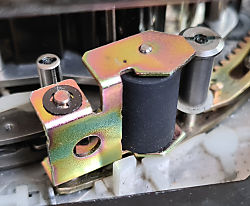
When it is removed, use some alcohol with a lint free cloth to remove as much oxide as possible. Finish off by cleaning it under a tap with some washing up liquid. This helps to make the rubber 'stickier'.
In cases where the pinch roller surface has become polished, an alternative approach is to use a very fine grit sandpaper to rough the surface. If you have access to a Dremel multitool, this could also be used to carefully remove a layer of the rubber to return it to better state.
Noel Higgins has produced this video showing how this can be done.
How to refurbish a Sony Beta capstan roller with a Dremel
Now replace the roller making sure that the spring is in place and then replace the 'C'-clip. Play a tape whilst the top of the video is still removed to make sure that the tape is being pulled correctly passed the roller.
If the things have improved, it is recommended to obtain a replacement as soon as possible. This cure is usually only short lived.
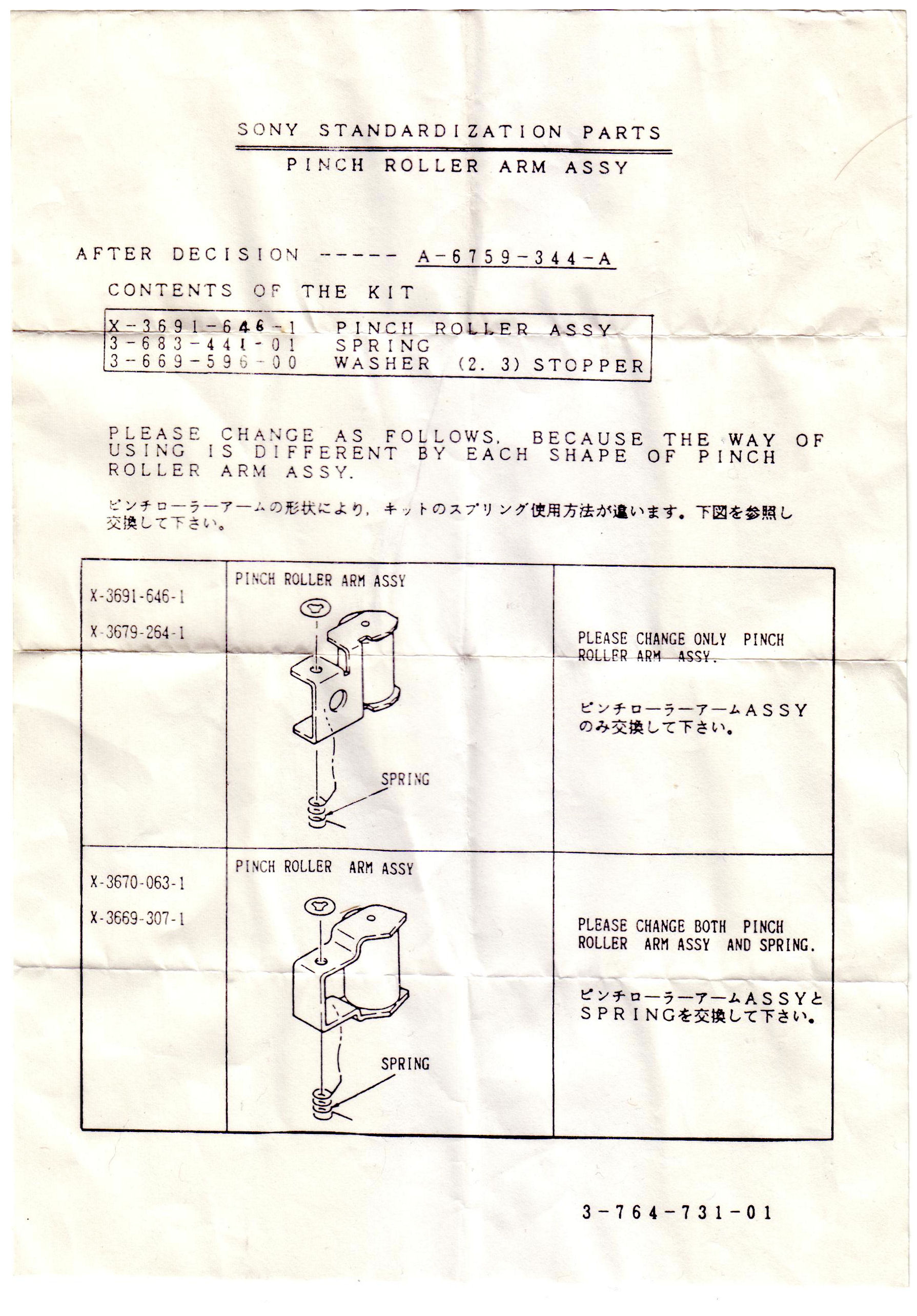
Thanks go to Daniel Jenner for supplying the scan.